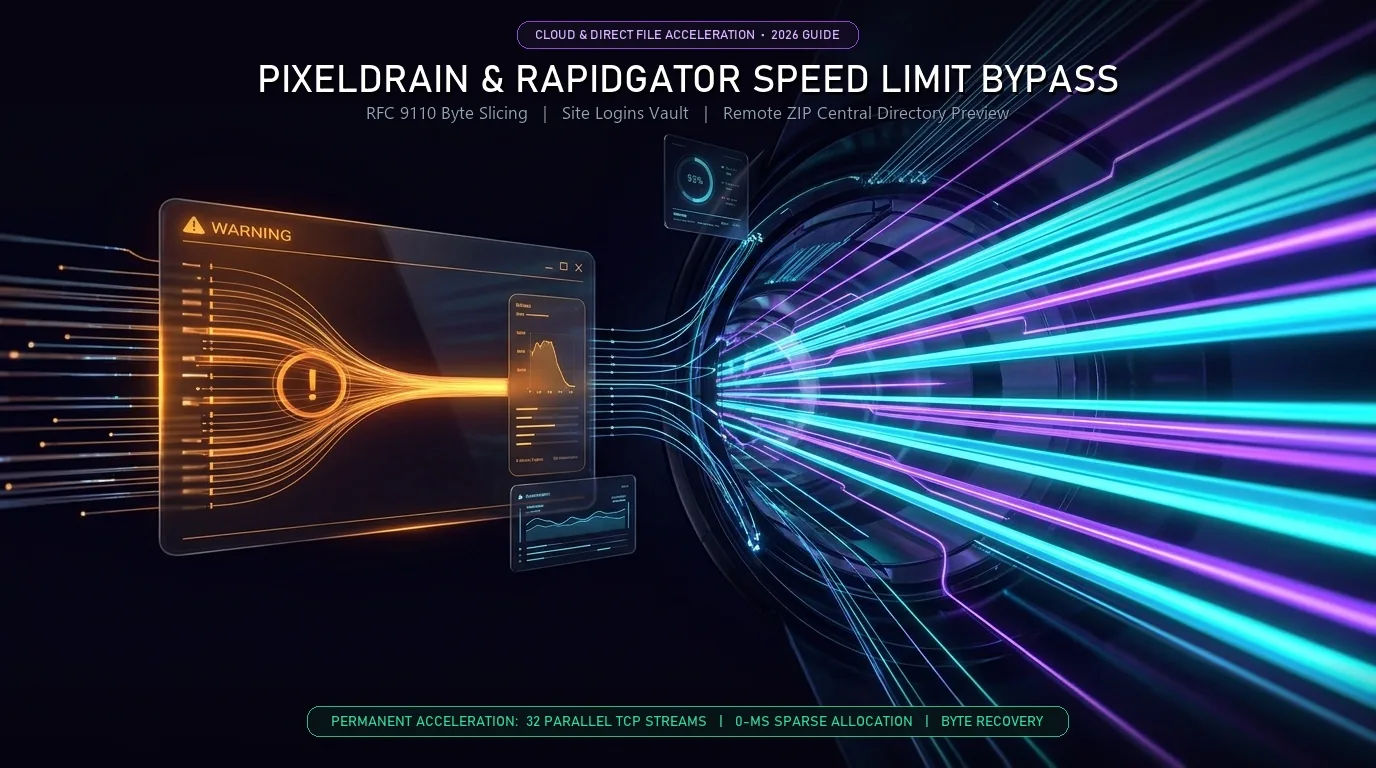
To bypass PixelDrain speed throttling and accelerate slow Rapidgator, Gofile, or MediaFire downloads on Windows 10 and 11, route the file link through an RFC 9110 multi-threaded HTTP byte slicer. Vortex Downloader replaces single-stream browser caps with 3 parallel TCP connections in the Free Edition or 32 dynamic connections in Vortex Pro.
Table of Contents
File Host Throttling Matrix: How Different Cloud Lockers Cap Your Speed
Modern file lockers employ different bandwidth management strategies on Windows. Compare the default browser limits against multi-threaded byte slicing:
| Cloud File Host | Default Browser Bottleneck | Supports Byte-Range Slicing (RFC 9110) | ⚡ Vortex Basic (Free Forever) | 👑 Vortex Pro ($4.99/mo or $29.99 Life) |
|---|---|---|---|---|
| PixelDrain | Per-socket speed cap after daily transfer threshold | Yes (Full Accept-Ranges: bytes) | Up to 3 Parallel TCP Streams | Up to 32 Turbo Streams + ZIP Preview |
| Gofile & Catbox | Single-socket congestion on multi-GB archives | Yes (Full Accept-Ranges: bytes) | Up to 3 Parallel TCP Streams | Up to 32 Turbo Streams + Batch Grabber |
| MediaFire | Dynamic CDN rate-limiting & ad-page redirects | Yes (Full Accept-Ranges: bytes) | Up to 3 Parallel TCP Streams | Up to 32 Turbo Streams + Auto-Capture |
| TeraBox (1024tera) | Throttled to 200–400 KB/s without desktop app | Yes (Via ndus Session Sync) | Up to 3 Parallel Streams + Folder Tree | Up to 32 Turbo Streams + 8K Streamer |
| Rapidgator | Server-side free-tier cap + no browser resume | Free Tier: 1 Stream / Premium: 32 Streams | Crash-Proof Byte Checkpoints (No 0% Reset) | Site Logins Vault + 32-Thread Premium Pull |
Live File Host Throttling & Multi-Thread Estimator
Select your target file host to calculate real-world download durations across browser single-socket downloads versus Vortex multi-stream acceleration:
Game_Mod_Archive_v2.4.zip (6.8 GB)
HTTP Range Slicing Supported*By distributing byte offsets across independent sockets, Vortex prevents PixelDrain’s per-stream rate limiter from capping your connection.
Why "PixelDrain Bypass Extensions" Fail (And How Multi-Threaded Byte Slicing Works)
Direct file hosts such as PixelDrain, Gofile, MediaFire, and Catbox manage server bandwidth by applying per-connection traffic shaping after a daily transfer threshold is reached. When a standard web browser like Chrome, Edge, or Brave requests a multi-gigabyte ISO or ZIP archive over a single HTTP socket, the server throttles that individual stream to 250 KB/s or 1 MB/s, causing large transfers to stall or time out when the temporary download session expires. Because standard browser extensions run inside the browser's single-threaded network stack, a standalone extension cannot open multiple independent TCP sockets or bypass host socket shaping on its own. Vortex Downloader pairs its browser companion extension with a native 64-bit Windows engine that sends parallel IETF RFC 9110 HTTP Range requests and processes HTTP 206 Partial Content streams across 3 concurrent streams in the Free Basic tier or up to 32 dynamic work-stealing threads in Vortex Pro, multiplying total throughput.
4 Steps to Accelerate PixelDrain, Gofile & MediaFire Links on PC
Install the Vortex Desktop Engine & Browser Companion
Download the Vortex Cloud Locker & Direct File Accelerator (v1.1.3) on Windows 10 or 11 and enable the companion extension for Chrome, Edge, Brave, or Firefox via its Native Messaging Host.
Intercept the File Host Link Automatically
Click any download button on PixelDrain, Gofile, MediaFire, or Catbox—or right-click a forum thread or webpage containing multiple mirror links and select Download ALL Links with Vortex to batch-grab archives simultaneously in one click.
Preview Remote .zip Contents Before Downloading
If the link points to a .zip archive, open the Remote ZIP File Previewer inside Vortex. By issuing end-of-file byte-range requests directly to the ZIP Central Directory, you can inspect the internal file tree, folder hierarchy, and individual file sizes before allocating gigabytes of local storage.
Saturate Your Line Across Parallel Threads
Click Start Download. The Free Basic Edition opens 3 simultaneous byte-range connections immediately, while Vortex Pro (including the 7-day free Pro trial) dispatches up to 32 dynamic work-stealing threads into a pre-allocated sparse file with 0-ms completion overhead.
Why Rapidgator Is So Slow (Per-Socket Throttling vs. Token-Gated Servers)
Cloud file lockers use two distinct rate-limiting architectures on Windows 10 and 11: per-socket throttled hosts (PixelDrain, MediaFire, Gofile, Catbox, TeraBox) and token-gated premium hosts (Rapidgator, NitroFlare, KatFile). On per-socket hosts, opening multiple RFC 9110 byte-range connections immediately multiplies download throughput and prevents mid-file disconnects. On token-gated hosts like Rapidgator, free-tier servers enforce a server-side bandwidth cap and single-socket restriction unless a premium session cookie or debrid mirror link is supplied. However, standard browser downloads from Rapidgator still fail frequently when Wi-Fi drops or session timeouts force a complete restart from 0%. Vortex Downloader protects both transfer types: you can store premium host credentials inside the encrypted Site Logins Vault for full 32-thread acceleration, preserve partial progress via real-time byte sidecar checkpoints, and inspect internal archive trees before downloading via the Remote ZIP Previewer.
How to Stop Rapidgator & Large Archive Downloads from Failing at 80%+
Real-Time Sidecar Byte Checkpoints
Standard web browsers delete partial .crdownload or .part files when a slow Rapidgator or MediaFire session drops after two hours. Vortex writes real-time byte-offset sidecar files (.vtxdl) directly to disk so you can refresh an expired download link and resume from the exact byte offset without restarting from zero.
Encrypted Site Logins Vault for Premium & Debrid Accounts
If you use a premium file-host account, private HTTP server, or multi-host debrid generator, store your session keys in Settings → Site Logins. Vortex automatically injects authentication cookies into every outbound worker socket and slices the archive across all 32 Pro turbo connections.
Overnight Queue Scheduling for Slow Free-Tier Mirrors
When pulling multiple rate-limited archives without a premium host account, queue your links inside the Overnight Download Scheduler to run silently at 2:00 AM and shut down or put your Windows PC to sleep automatically when queues finish.
Automated Post-Download Windows Defender Scan
Public PixelDrain, MediaFire, and Rapidgator archives frequently contain bundled malware or malicious scripts. Vortex automatically executes an automated Windows Defender scan via Microsoft's native MpCmdRun.exe command-line utility the millisecond your file finishes downloading.
Frequently Asked Questions (FAQ)
Can a Chrome or Firefox extension bypass PixelDrain speed limits by itself?
No. Browser extensions operate inside the web browser's native download manager, which is restricted to a single HTTP stream per file and cannot bypass per-socket bandwidth shaping. By connecting the Vortex Browser Companion extension to the native 64-bit Vortex Windows desktop app via its Native Messaging Host, downloads are routed outside the browser across 3 free parallel TCP streams or 32 Pro turbo connections.
Does multi-threading bypass Rapidgator's free-tier speed cap?
On Rapidgator's unauthenticated free tier, the server restricts each IP to a single throttled socket, so no download manager can force 32 connections without a premium cookie or debrid link. However, using Vortex on free Rapidgator links prevents the #1 user frustration—losing hours of progress when a slow browser download drops at 90%—and unlocks full 32-thread acceleration the moment you use a debrid link or store login credentials in the Site Logins Vault.
What is the difference between Vortex Basic (Free) and Vortex Pro for direct file hosts?
The Vortex Basic Edition is 100% free forever on Windows 10 and 11, providing up to 3 parallel TCP connections, crash-proof byte recovery, Remote ZIP file tree previews, 1080p video downloads, and a native BitTorrent client. Upgrading to Vortex Pro ($4.99/month or $29.99 one-time Lifetime license, with a 7-day free Pro trial on every install) unlocks all 32 parallel turbo connections with dynamic work-stealing, the Overnight Scheduler, 8K 60FPS video extraction, and an ad-free UI.
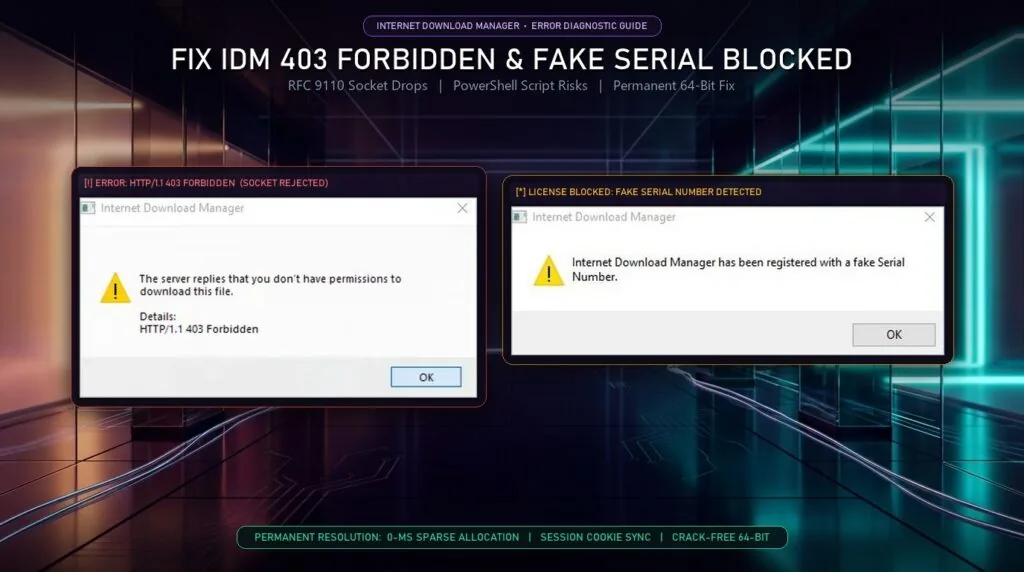
What if PixelDrain or MediaFire throws an "HTTP/1.1 403 Forbidden" error when resuming?
A 403 Forbidden response means the temporary download token expired. You can re-sync your browser session cookie in one click using the Vortex extension—or follow our troubleshooting guide on fixing HTTP/1.1 403 Forbidden errors on stalled downloads to resume from your saved byte offset.
Tired of Throttled File Host Downloads and Stalled Archives?
Switch to Vortex Downloader: 100% Free Basic Edition forever, up to 32 parallel turbo streams, crash-proof byte checkpoints, Remote ZIP previewing, and built-in BitTorrent. Zero crack files. Certified 0/58 clean on VirusTotal.